How to Check Your Resume Against a Job Description
You cannot proofread your own CV against a posting, because you know what you meant. Here are four checks that do not share your blind spot.

You cannot check this yourself, and that is not a criticism
Reading your CV beside a job description feels like a check, and it is the least reliable one available to you. You wrote the CV. You know that the line about keeping clients updated describes eighteen months of hard stakeholder management. A recruiter's keyword search does not know that, and it is not looking for what you meant.
Every method below exists to remove your own knowledge from the reading. They differ in how long they take and what they can see.
Four checks, from fastest to most thorough
| Check | Time | Catches | Misses |
|---|---|---|---|
| The paste test | 10 seconds | Layout and parse order problems in your own file | Everything about content and vocabulary |
| The highlighter pass | 10 minutes | Judgement, seniority, domain fit, tone | Terms you unconsciously read as covered |
| A keyword checker | 1 minute | Vocabulary gaps with no bias about what you meant | Whether the evidence behind a term is any good |
| A match checker | 1 minute | Coverage across skills, keywords and experience together | Judgement calls a person would make instantly |
They are complementary rather than competing. The fast automated checks find the vocabulary gaps you are blind to. The slow manual pass finds the things no keyword tool can see, like whether the posting wants someone who has run a team and you have only ever been in one.
Check one: the paste test
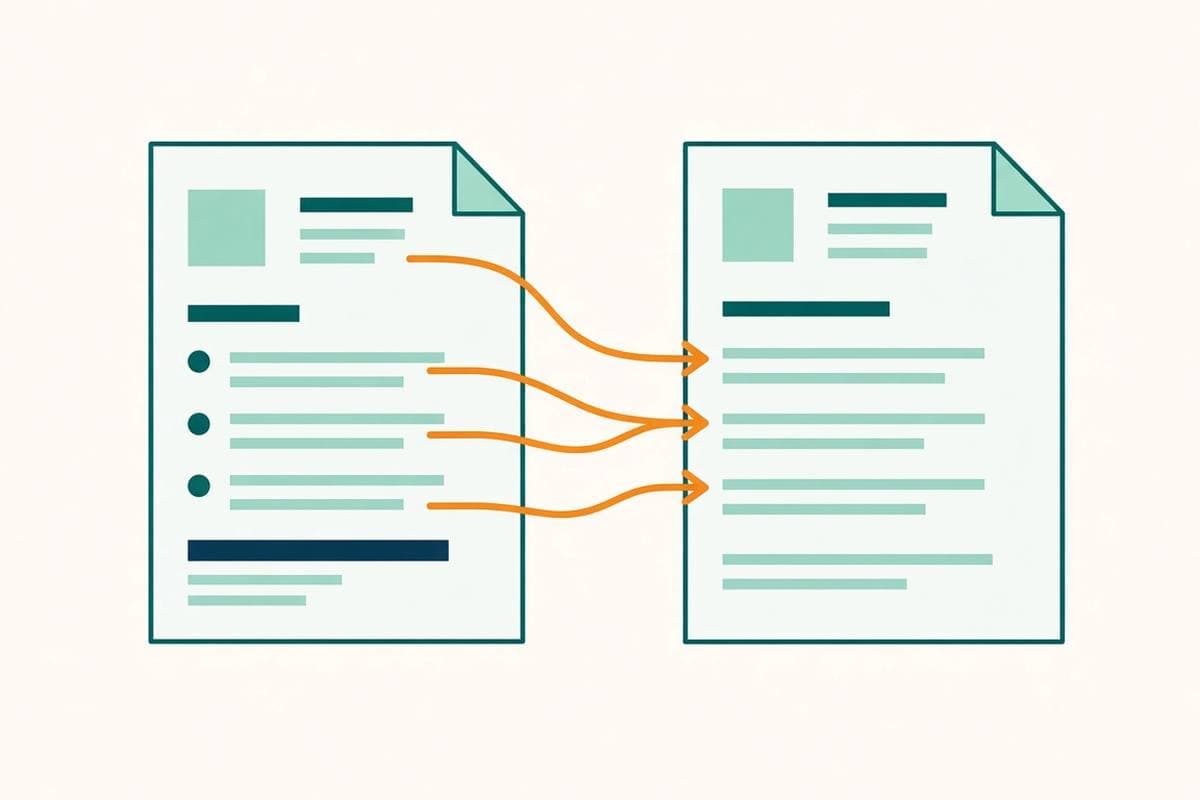
Before anything about content, confirm the file is readable. Open your CV, select all, copy, and paste it into a plain text editor.
What arrives is close to what a parser extracts. If sections land out of order, if your skills column has interleaved with your job history, or if your phone number is missing because it lives in a header, that is a formatting problem and no amount of keyword work will fix it. The detail is in ATS resume format.
Check two: the highlighter pass
Mark the posting in two colours
One colour for hard requirements, tools and named methods. Another for the softer language about how the team works and what they value.
Find each first-colour term in your CV
Not the concept. The literal term. If it is not on the page in those words, it is a gap even when you have done the work.
Read the second colour for fit, not keywords
This is where you judge seniority, autonomy and domain. A posting that says you will own this end to end is telling you something a keyword tool cannot see.
Write down what is genuinely missing
Separate cannot evidence from have not written down. The second list is your edit. The first list is your decision about whether to apply.
Check three and four: let something else read it
Once you have done the manual pass, run the automated one. It has no memory of what you intended, which is exactly the property you need.
- [Missing resume keywords](/missing-resume-keywords) answers the narrow question: which terms does this posting lean on that my CV never mentions? Ranked by how often the posting says them.
- [ATS resume checker](/ats-resume-checker) gives you a coverage score plus what is already matched, so you can see progress across edits.
- [Resume job match checker](/resume-job-match-checker) reads skills, keywords and experience together for an overall fit readout.
What to do with what you find
- 1Add only what you can evidence. A term you cannot back up moves the rejection to the interview, which costs you more time, not less.
- 2Put terms inside bullets, not in a list. A skills list is a claim. A bullet with a number is proof. See the resume bullet rewriter.
- 3Write both forms of every acronym. CI/CD and continuous integration. PMP and Project Management Professional.
- 4Move your strongest match upward. A perfect match in your third role does less work than a partial one in your first two bullets.
- 5Re-run the check. Two or three passes usually closes most of the gap without inventing anything.
Check, then fix, in one step
Paste the job link and FitMyCV reads the posting and rewrites your CV and cover letter against it, keeping your real experience.