How to Tailor Your CV to a Job Description (Step-by-Step)
Tailoring is not rewriting your CV from scratch. It is a repeatable, forty-minute edit, and this is the exact sequence, with a real before and after.

Most people know they should tailor their CV. Far fewer have a repeatable method, so tailoring becomes an anxious hour of nudging sentences around and hoping. It does not have to be. Tailoring is a sequence of four edits, always in the same order, and once you have done it a few times it becomes mechanical.
This guide walks through the sequence on a real posting, shows the before and after, and ends with how to compress the whole thing into a paste-a-link operation.
Why tailoring works
Two things happen to your CV. A parser turns it into a searchable record and a recruiter scans the top third for about six seconds. Tailoring targets both: it puts the posting's exact vocabulary into your record so you surface in searches, and it moves the most relevant evidence into the part of the page that actually gets read.
What it does not do is change your history. You are re-ranking and re-describing true things. That distinction matters, because it is what keeps tailoring honest and what makes it fast. You are editing, not authoring.
Step 1: Decode the job description
Before touching your CV, read the posting twice with a highlighter. You are extracting four categories:
- The exact job title. This is the string recruiters search. Copy it verbatim, including seniority.
- Must-have requirements. Anything phrased as *required*, *essential*, *you will need*, or repeated more than once.
- Named tools, methods, and certifications. Salesforce, dbt, Figma, IFRS, PRINCE2, Kubernetes. Proper nouns are searched literally.
- Outcome language. Phrases like *reduce churn*, *shorten cycle time*, *own the roadmap*. These tell you what the team is actually being measured on.
Rank the requirements
Split what you extracted into three buckets: things you can evidence strongly, things you can evidence weakly, and things you cannot evidence at all. The strong list drives your rewrite. The weak list gets one honest mention each. The third list is either a genuine gap to acknowledge in the cover letter, or a signal that this role is not a fit.
Step 2: Rewrite the professional summary
Your summary is the highest-value real estate on the page and the fastest thing to change. It should do three jobs in three lines: state the target title, state your level and domain, and name two or three of the posting's top requirements with evidence attached.
Target role: Senior Product Manager, B2B SaaS. Posting emphasises pricing, cross-functional leadership, and usage-based billing.
Experienced product professional with a track record of delivering great products in fast-paced environments. Passionate about user-centric design and collaborating with cross-functional teams.
Senior Product Manager with 7 years in B2B SaaS, focused on pricing and monetisation. Led the move to usage-based billing at Northwind, lifting net revenue retention from 104% to 121%. Works day to day with engineering, sales, and finance to ship pricing changes without breaking revenue reporting.
The second version is not more impressive because of better adjectives. It names the title, the domain, the posting's core theme, and a number.
Step 3: Reorder before you rewrite
Reordering is free and it is the edit people skip. Two moves:
- 1Reorder bullets within each role so the ones matching the posting sit first. A recruiter reading the top two bullets of your current job should see the match immediately.
- 2Reorder the sections themselves when it helps. Changing career? Put a Relevant Projects or Certifications section above older roles. Recent graduate with a strong internship? Education can outrank a part-time job.
Only cut a role entirely if it creates a confusing gap; otherwise compress it to a single line rather than deleting it.
Step 4: Rewrite bullets in the posting's language
Now rewrite the top three to five bullets so they use the posting's vocabulary while describing the same true events. Keep the structure consistent: verb → specific action → measurable outcome.
Same work. The second version answers a posting that asks for usage-based pricing experience and cross-functional leadership.
Worked with different teams to update how the product was priced and helped improve revenue.
• Led the shift from seat-based to usage-based pricing across 3 plans, coordinating engineering, sales, and finance; net revenue retention rose from 104% to 121% over four quarters with no increase in churn.
Mirror the vocabulary, including acronyms
If the posting says *stakeholder management*, use that phrase rather than *keeping people in the loop*. If it says *CRM*, write "CRM (Salesforce)" so both the acronym and the tool are present. Search matches strings, so give it the strings.
Update the skills section last
Reorder your skills so the posting's must-haves appear first, and delete anything irrelevant to this role. A tight, relevant list of twelve beats an exhaustive list of forty. Anything important enough to list should also appear inside a bullet as evidence. See the ATS-friendly resume guide for why claims without evidence do so little.
Step 5: Check the match before you send
Requirement-by-requirement pass
Put the posting next to your CV and point at where each highlighted requirement is answered. Any requirement without a landing spot is a gap you should either close or acknowledge in the cover letter.
The six-second test
Cover everything below the top third of page one. What remains should tell a recruiter your target title, your level, and one reason you fit this specific role.
The parse test
Select all the text in your exported PDF and paste it into a plain text editor. If the order scrambles or content vanishes, fix the layout before worrying about wording.
Score the overlap
Eyeballing misses synonyms and acronyms. Run the CV and the posting through the free ATS resume checker to see which required terms are genuinely missing.
Tailoring from a job link instead of by hand
The method above works. The problem is arithmetic: forty minutes per role, ten roles a week, and tailoring is now six hours of your week. Almost everyone abandons it around application twelve and goes back to the generic CV.
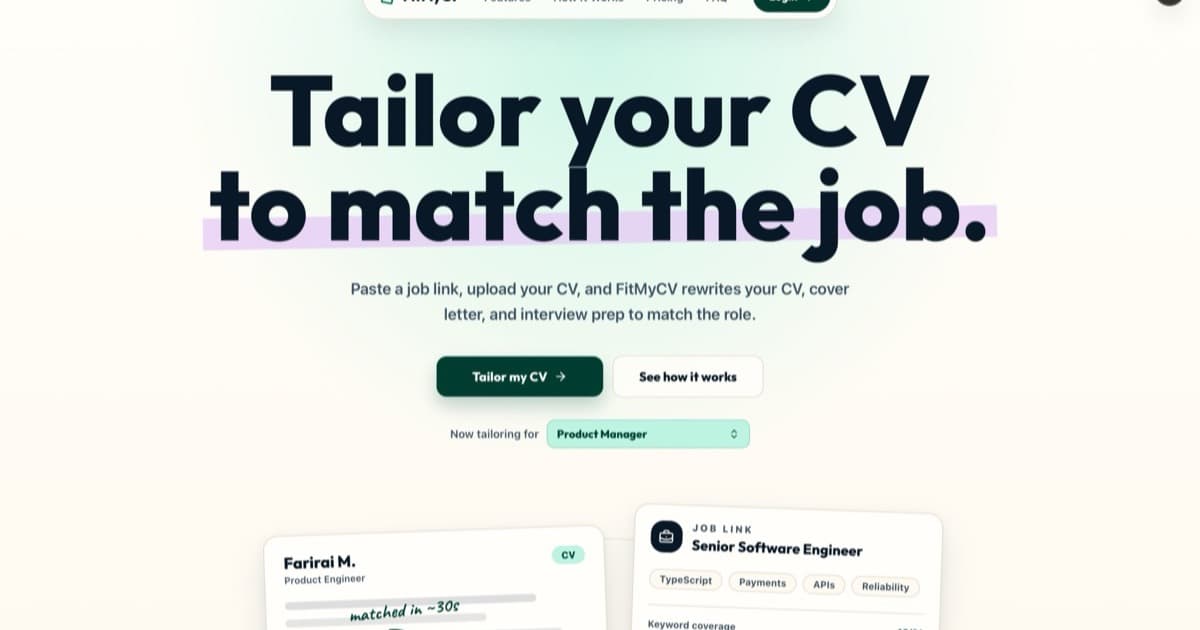
FitMyCV compresses steps 1 through 4 into a paste. You give it the job link from LinkedIn, Indeed, Glassdoor, or a company careers page, and it reads the posting, extracts the requirements and the exact vocabulary, then rewrites your summary, reorders and rewrites your bullets, and produces a matching cover letter. You review and adjust rather than starting from a blank page. If you would rather stay in ChatGPT, the copy-paste prompts are the constrained version of the same method.
| By hand | From a job link | |
|---|---|---|
| Time per role | 20 to 40 minutes | Under a minute to first draft |
| Requirement extraction | Manual highlighting | Parsed from the posting |
| Acronym and synonym coverage | Easy to miss | Matched against the posting text |
| Cover letter | Separate task | Generated from the same posting |
| Sustainable at 10+ applications/week | Rarely | Yes |
It is still your CV: your employers, your achievements, your numbers. What changes is which of them lead, and in whose words.
Try it on the job you are applying to right now
Paste the link, upload your CV once, and get a tailored CV and cover letter you can edit and export as a PDF.
The checklist
- Highlight the title, must-haves, named tools, and outcome language in the posting.
- Rewrite the summary to name the target title plus two or three top requirements with evidence.
- Reorder bullets and sections so the match is visible in the top third of page one.
- Rewrite the top bullets using the posting's vocabulary: verb, action, number.
- Trim and reorder the skills list; prove each important skill in a bullet.
- Run the parse test and the overlap score before you send.